A device status card stays pinned at the top - model, connection, power - with a customizable grid of widgets below it. Add, remove and reorder cards so the dashboard shows exactly what you care about.
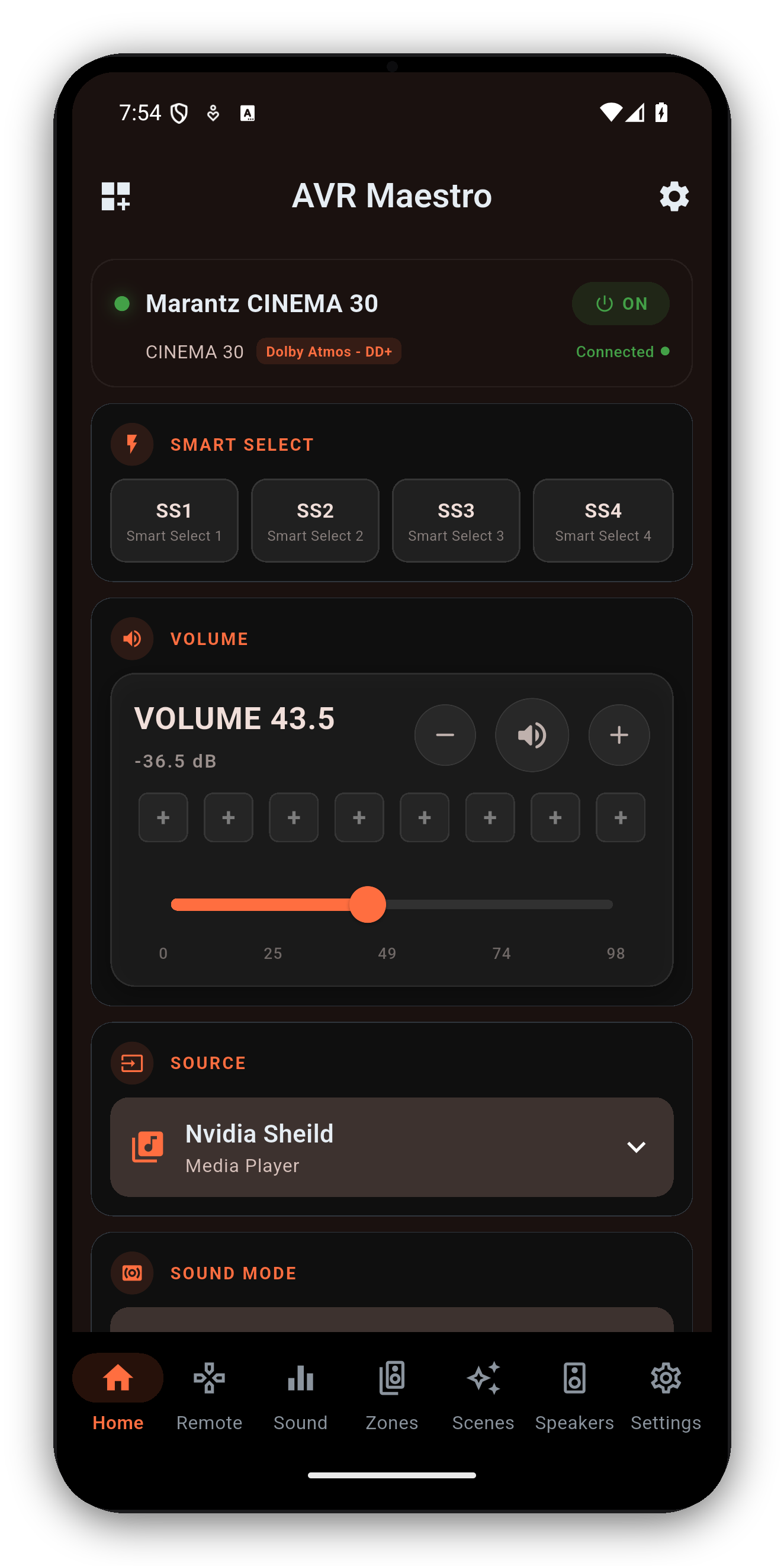
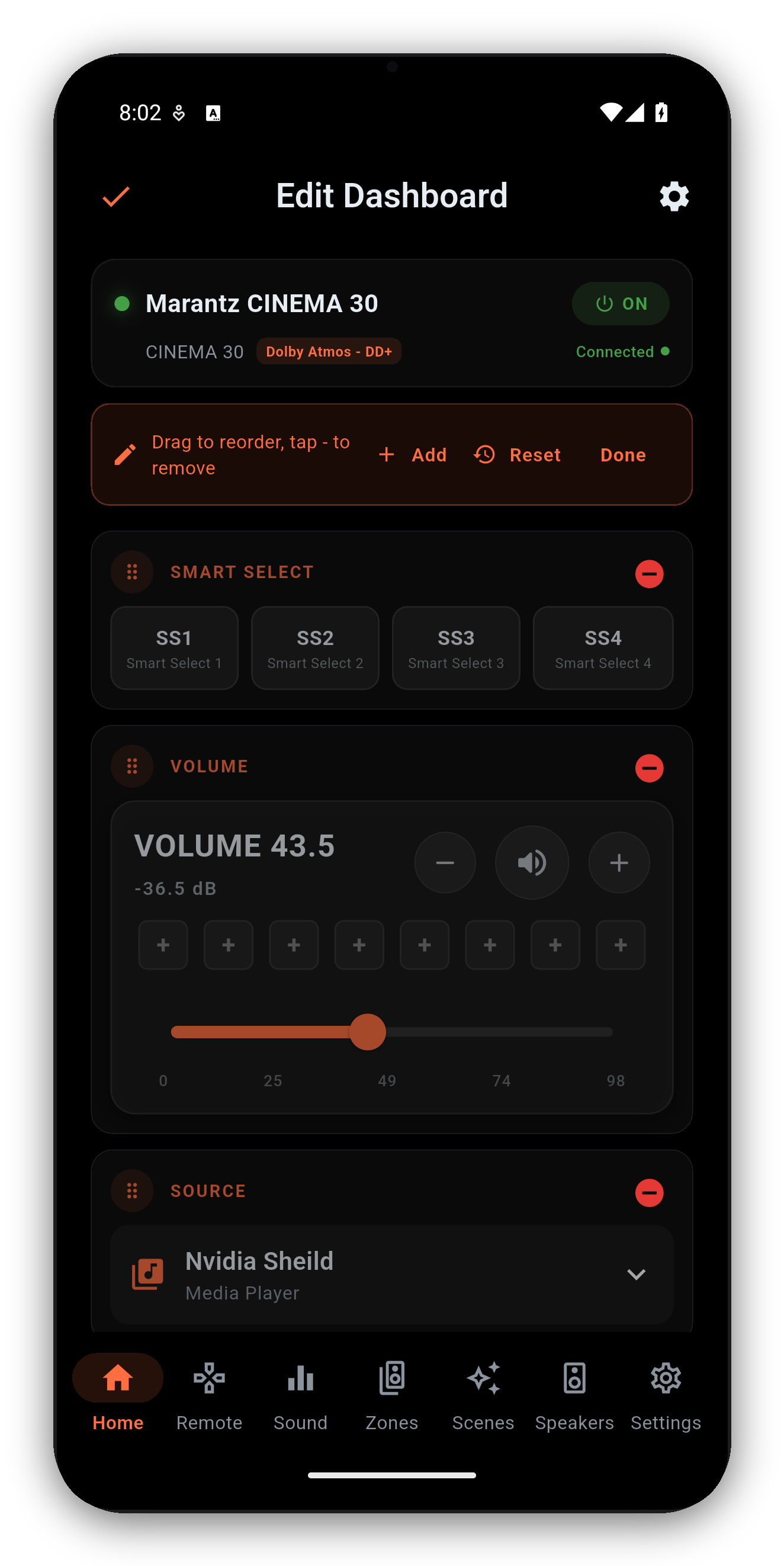
Tap the Customize Dashboard icon (top-left) to enter edit mode:
| Widget | What it does |
|---|---|
| Volume | Slider with dB readout, mute, and 8 saved volume presets. |
| Source | Open the input picker; long-press tiles to reorder. |
| Sound Mode | Current surround mode; tap for a grouped picker. |
| Now Playing | Album art, track info and transport for HEOS sources. |
| Zones | Compact Zone 2 / Zone 3 status + quick controls. |
| Quick Select | Denon Quick Select / Marantz Smart Select buttons. |
| Speaker Preset | Preset 1 / 2 switcher (chassis-dependent). |
| Audyssey / Dirac | One-glance calibration state + quick deep-link. |
| Channel / Sub Levels | Per-channel and subwoofer level snapshots with steppers. |
| ECO, Sleep, DRC, Restorer, Video, Room Size, LFE | One-tap toggles and pickers, each shown only when supported. |
When the active source exposes metadata, the Now Playing card shows album art, track / artist / station info and transport (play / pause / next / previous).
To browse music - stations, queues, streaming services, HEOS rooms - tap Launch HEOS on the Now Playing card. AVR Maestro opens the official HEOS app for browsing; once playback starts there, AVR Maestro takes back over the now-playing display, transport and widgets. Analog, optical/coaxial and HDMI passthrough sources don't report metadata, so the card stays empty for those.
One-time purchase, no ads, no subscriptions. Connect in under a minute.




 AVR Maestro