HomeUser Guide › Graphic EQ
Manual equalization

A real Graphic EQ editor, not an on/off switch

When you run your receiver without Audyssey or Dirac, the manual Graphic EQ is yours to shape - and AVR Maestro gives you the whole thing on your phone: a 9-band curve from 63Hz to 16kHz, -20 to +6 dB, for every speaker, dragged right on the graph and applied live.
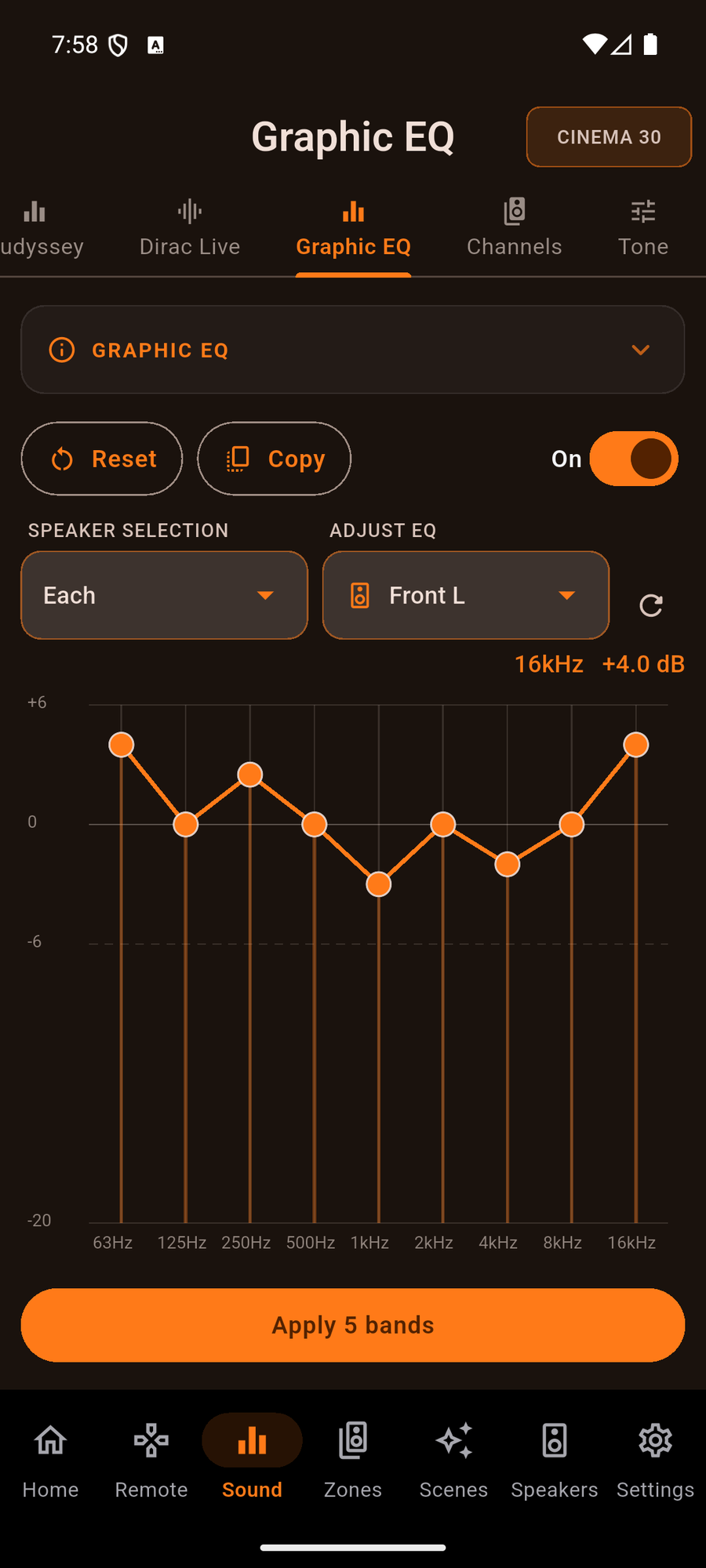
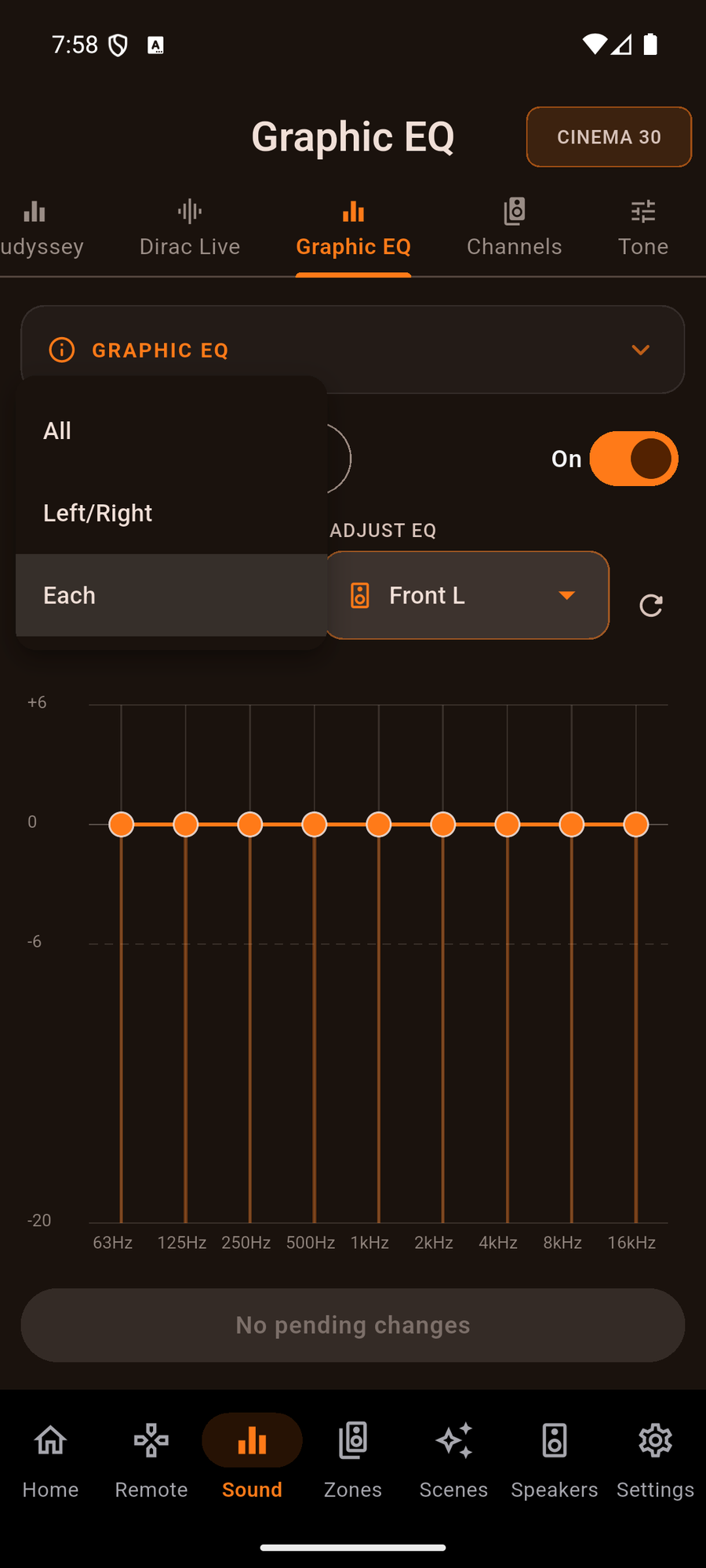
Shape the sound, band by band

One system at a time

It locks itself when room correction is running

Your receiver runs either room correction (Audyssey MultEQ or Dirac Live) or the manual Graphic EQ - never both at once. So whenever MultEQ or Dirac is active, AVR Maestro locks the Graphic EQ and tells you exactly why, rather than letting you build a curve the receiver would ignore. Turn room correction off and the editor unlocks the moment you do.
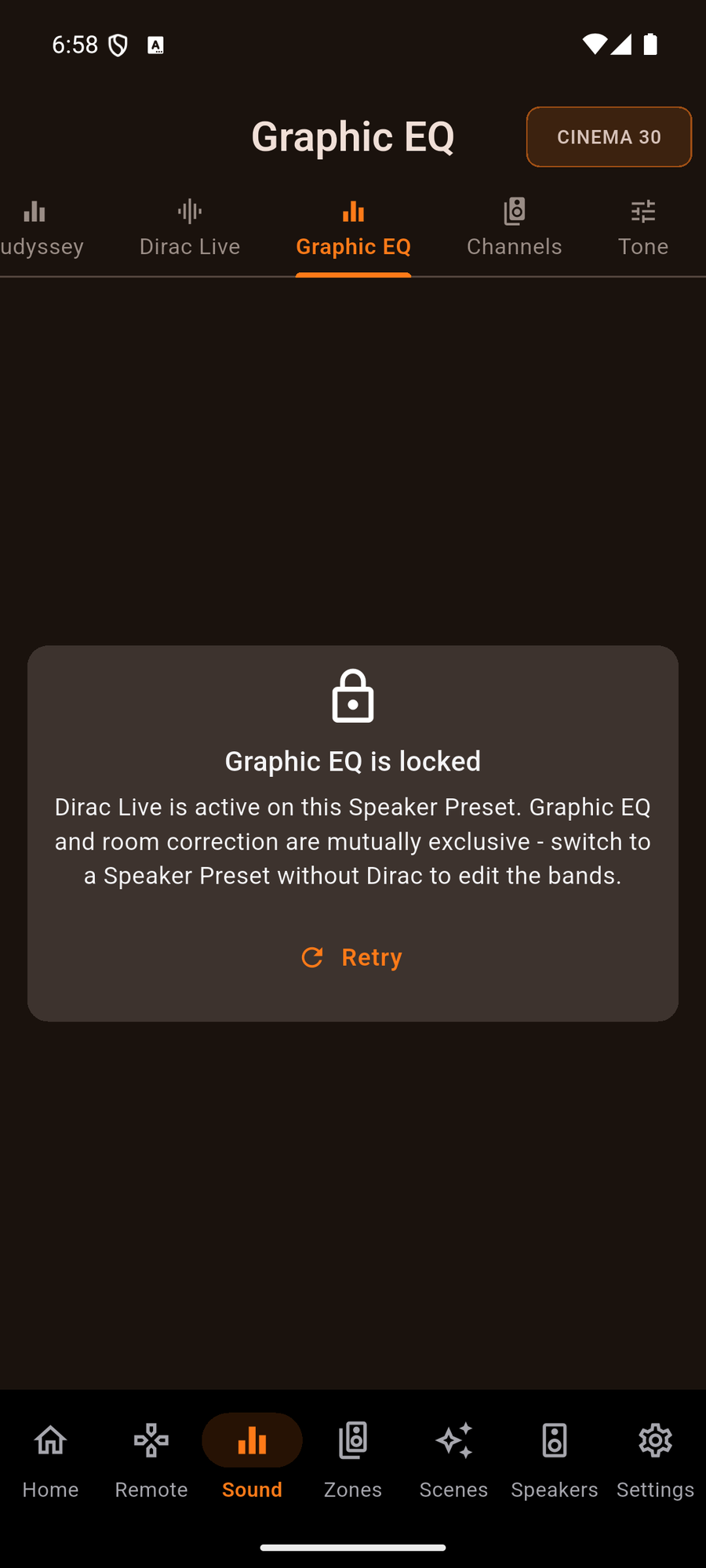
The Graphic EQ locked while Audyssey is running
Older firmware is covered too: per-speaker band editing works on the older chassis as well as the modern ones, and the EQ stays put - no more toggling itself off on receivers like the AVC-X6700H.
Common questions

Graphic EQ FAQ

When can I use the Graphic EQ?
When both Audyssey MultEQ and Dirac Live are off. The receiver runs room correction or the manual Graphic EQ, never both - so the editor is live whenever room correction is off, and locked (with a clear note) whenever it is on.
What is the band and gain range?
Nine bands from 63Hz to 16kHz, each adjustable from -20 to +6 dB - the range the receiver itself exposes.
Can I copy my Audyssey calibration as a starting point?
Yes. Copy pulls your measured Audyssey curve into the Graphic EQ so you can fine-tune a proven result. Reset flattens it back to 0 dB. Learn more on the Audyssey & Dirac guide.
Does it work on older receivers?
Yes. Per-speaker band editing works on older firmware as well as modern chassis, and the toggle no longer switches itself off on receivers like the AVC-X6700H.

Tune every band from the couch

One-time purchase, no ads, no subscriptions. Connect in under a minute.

Get it on Google Play Download on the App Store Download on the Mac App Store Get it on the Microsoft Store

Back to the full User Guide →