Yes, you can control a Denon or Marantz receiver from your computer. AVR Maestro runs on Windows from the Microsoft Store and on Mac from the Mac App Store, and reaches the receiver over your local network: surround modes, Audyssey and Dirac Live, speaker presets, multi-zone and one-tap Scenes, with keyboard shortcuts on both. One-time purchase, no ads, no subscriptions.




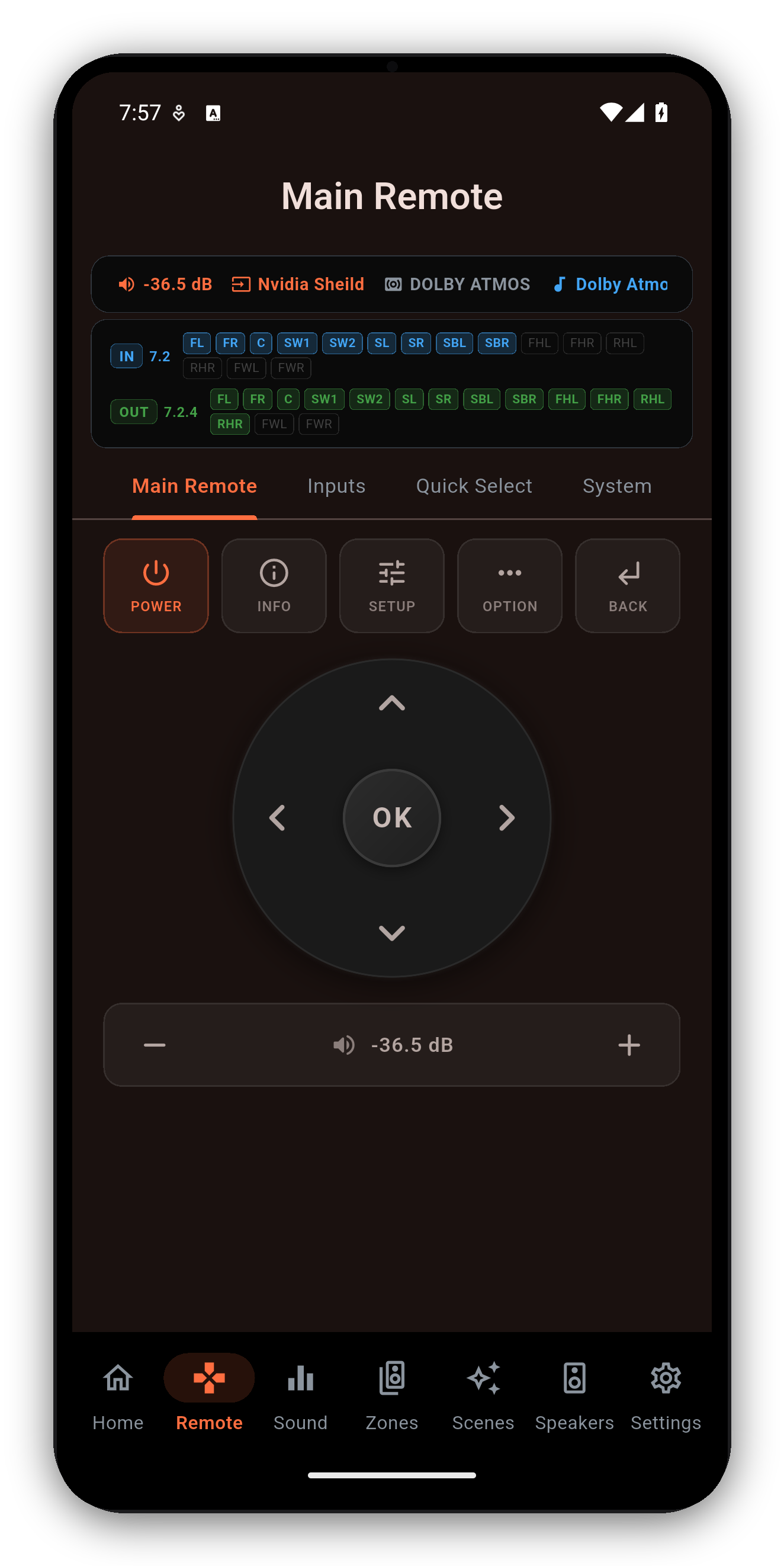
The receiver on your desk, without hunting for the remote or opening the receiver's on-screen menus.
Play, pause, stop, skip, volume and mute from the keyboard: Cmd on macOS, Ctrl on Windows.
Your keyboard's dedicated play, pause, next, previous, stop, volume and mute keys drive the receiver.
Save input, volume, sound mode, Audyssey or Dirac, speaker preset, zones and the tuner, and recall all of it in one click.
Switch MultEQ curves, Dynamic EQ and Dynamic Volume, or pick Dirac Live filter slots by name, on receivers that expose them.
Speaker preset control, channel-level trims and crossovers, the deep settings the stock app does not surface.
Independent Zone 2 and Zone 3 power, input and volume.
On the Mac App Store and Microsoft Store builds, use Cmd on macOS or Ctrl on Windows. Your keyboard's media keys work too, and nothing fires while you're typing in a text field. More in the remote guide.
| Shortcut | Action |
|---|---|
| Cmd + Space / Ctrl + Space | Play / Pause |
| Cmd + . / Ctrl + . (period) | Stop |
| Cmd + Left / Right, Ctrl + Left / Right | Previous / next track |
| Cmd + Up / Down, Ctrl + Up / Down | Volume up / down |
| Cmd + M / Ctrl + M | Toggle mute |
One-time purchase. No ads, no subscriptions. Connect to your Denon or Marantz in under a minute.
 AVR Maestro