The Cinema range brings Marantz's reference sound to more rooms and budgets. AVR Maestro is the controller that matches it - fast, stable, and deep enough to reach everything your Cinema 40, 50 or 60 can do, from your phone. No cloud account, no subscriptions, no ads.




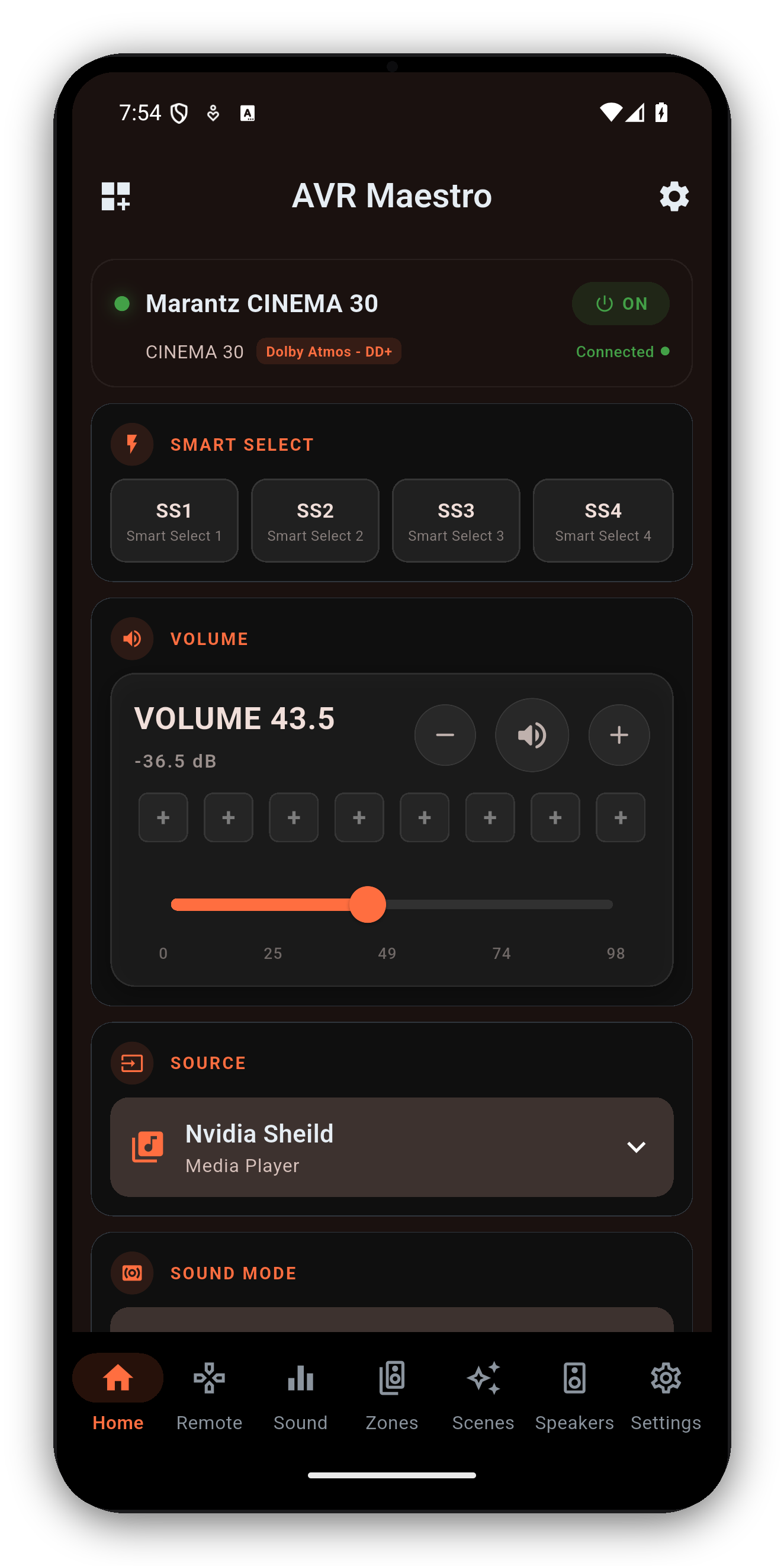
Cinema 40, 50 or 60 - AVR Maestro reads your receiver on connect and surfaces exactly what it can do, with no dead buttons and no clutter for features your model doesn't have.
Dolby Atmos, DTS:X, the upmixers and (on the 40/50) Auro-3D and IMAX Enhanced - with the active mode and channels shown live.
Switch MultEQ curves and Dynamic EQ/Volume, or pick Dirac Live filter slots by name where your model and license support it.
Full layout, distances, channel levels and crossovers, following the active Speaker Preset.
Save your Cinema's entire state - input, mode, calibration, zones, tuner - and recall it instantly. The official app has nothing like it.
Independent Zone 2 (and Zone 3 where fitted) power, input and volume for whole-house audio.
The FM/AM tuner with presets, plus a live HEOS now-playing display with transport.
Denon AVR-A1H · Denon AVC-X8500HA · Denon AVR-X6800H · Denon AVR-X4800H · Denon AVR-X3800H · Denon AVR-X2800H · Denon AVR-X1800H · Denon AVR-S970H · Denon AVR-S770H · Marantz AV10 · Marantz AV8805 · Marantz Cinema 30 · Marantz Cinema 50 · Marantz SR7015 · Marantz SR6015
Getting started · Audyssey & Dirac control · User Guide · Help
One-time purchase, no ads, no subscriptions. Connect in under a minute.
 AVR Maestro